AI for architecture
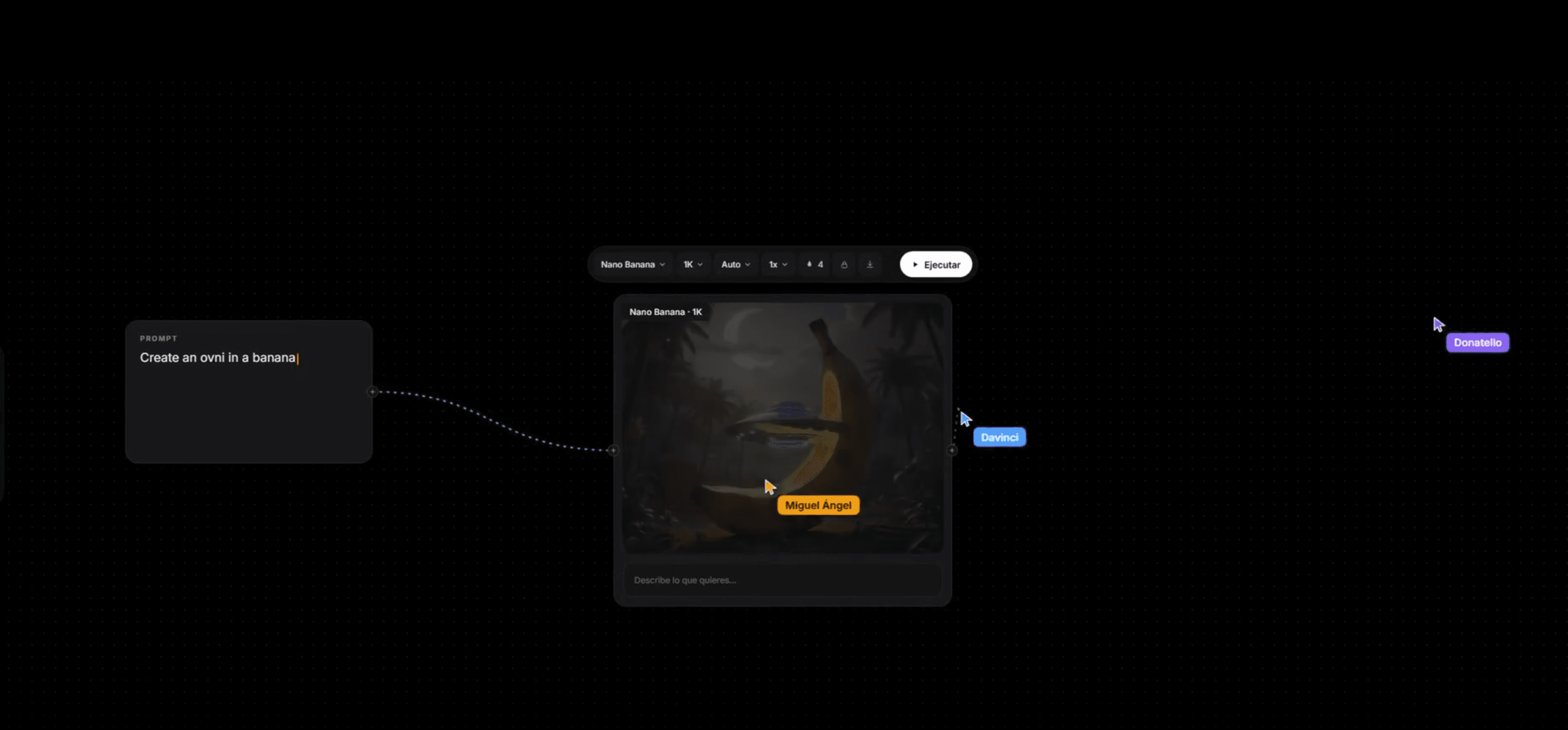
Ready-to-use templates.
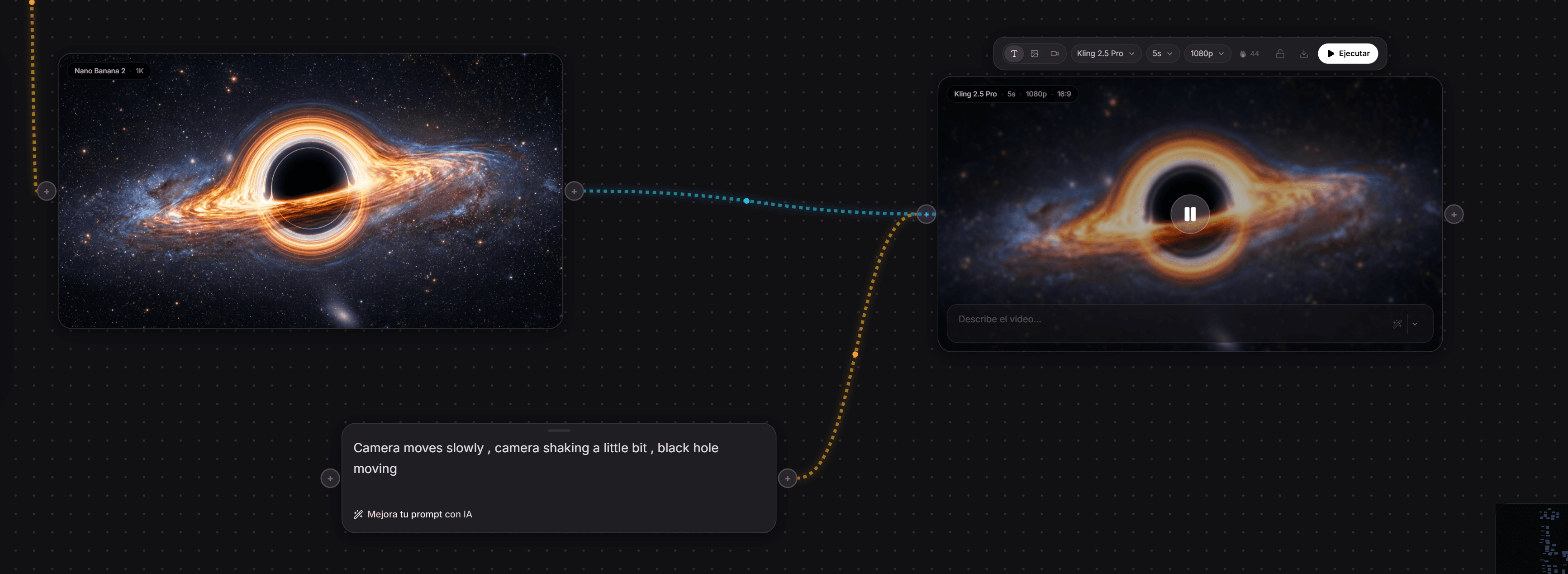
 Animate the house at sunset: sea and planting move, camera still.Create now
From your referencesto the final result.
Upload what you already have (your model, your pieces, your photos) and Phynixo turns it into client-ready renders and videos.
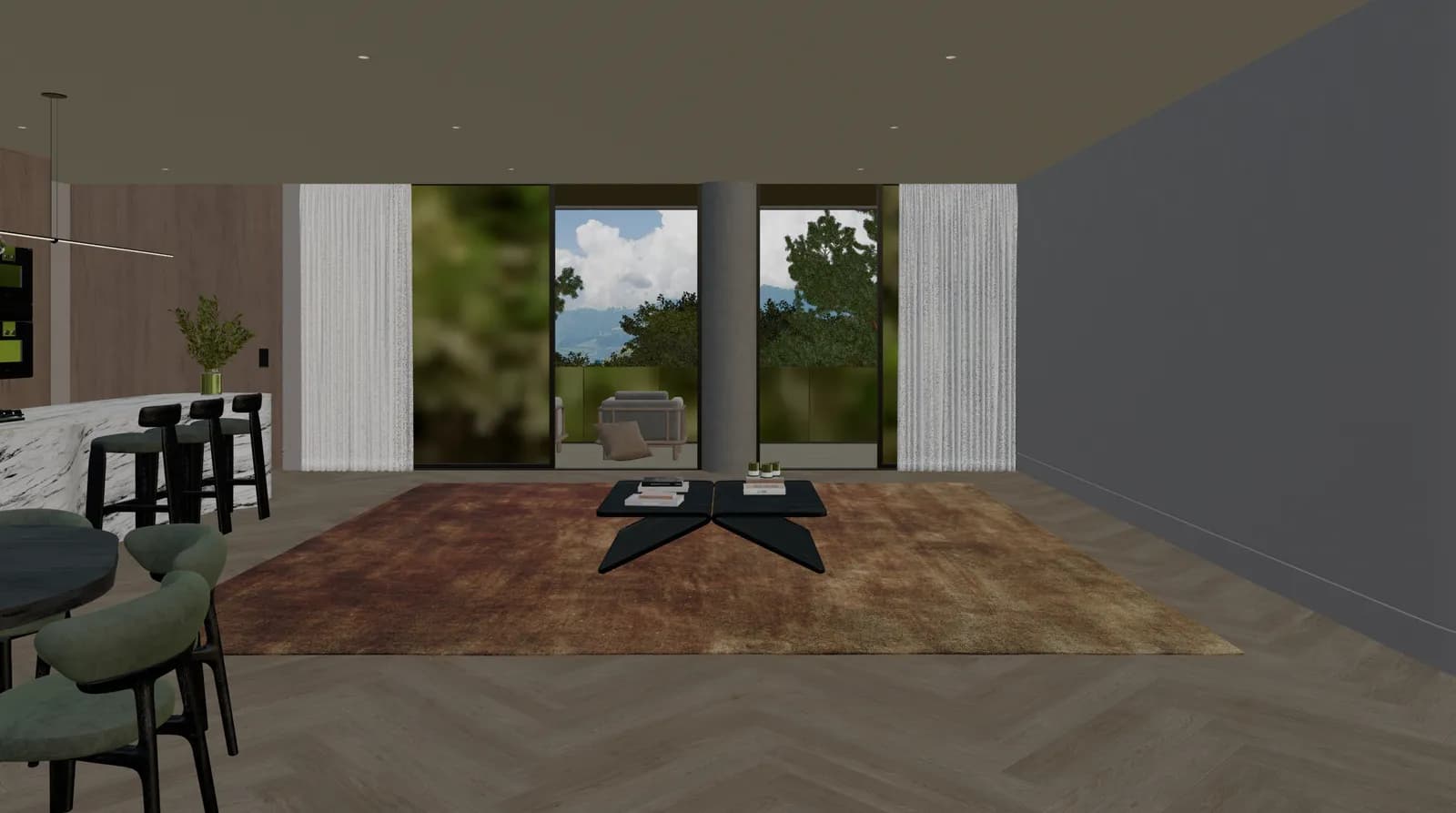 Your 3D model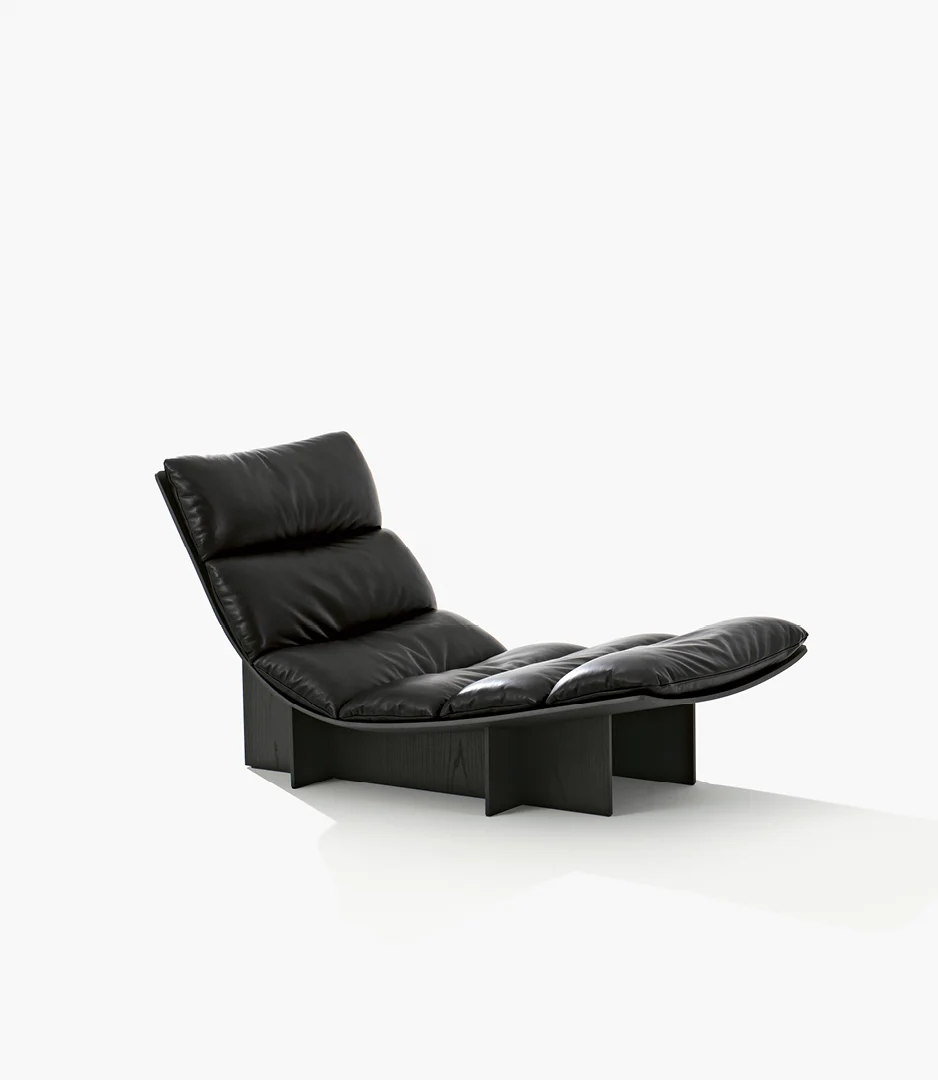
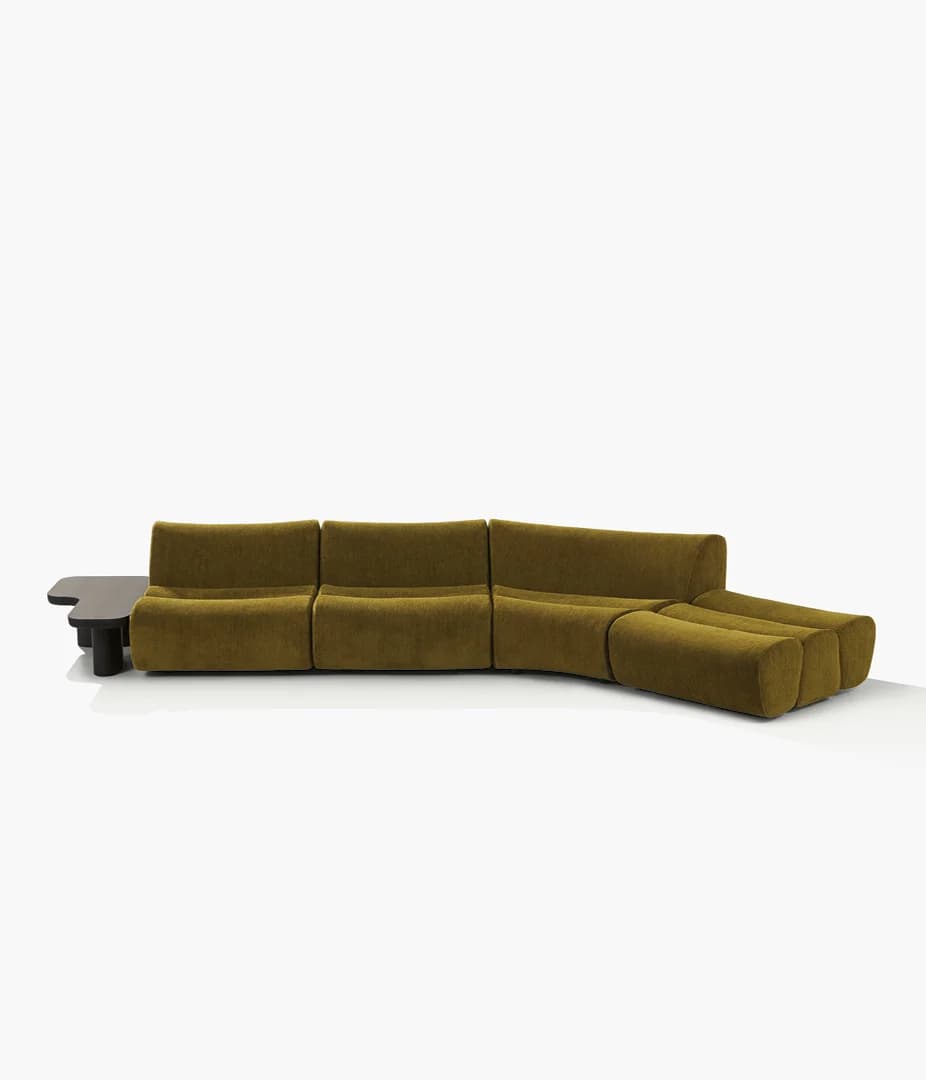
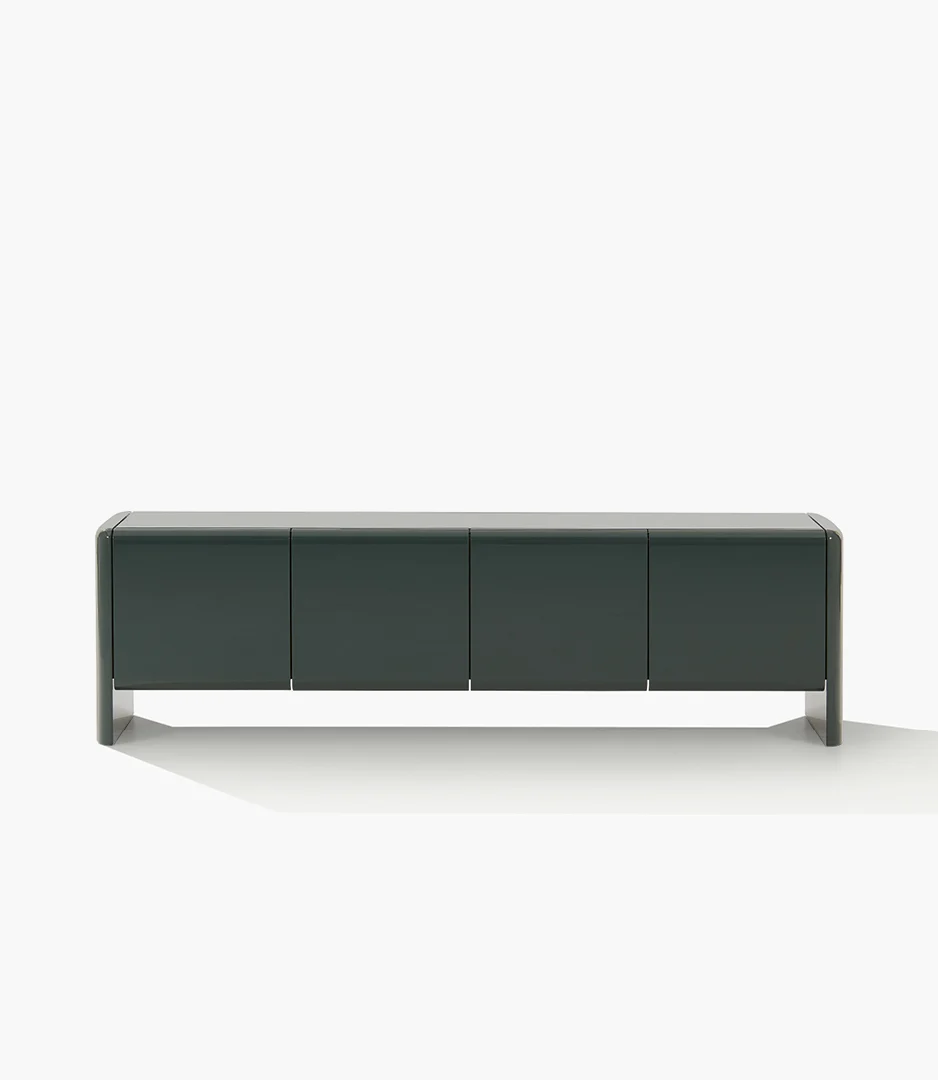

Screenshot to Render
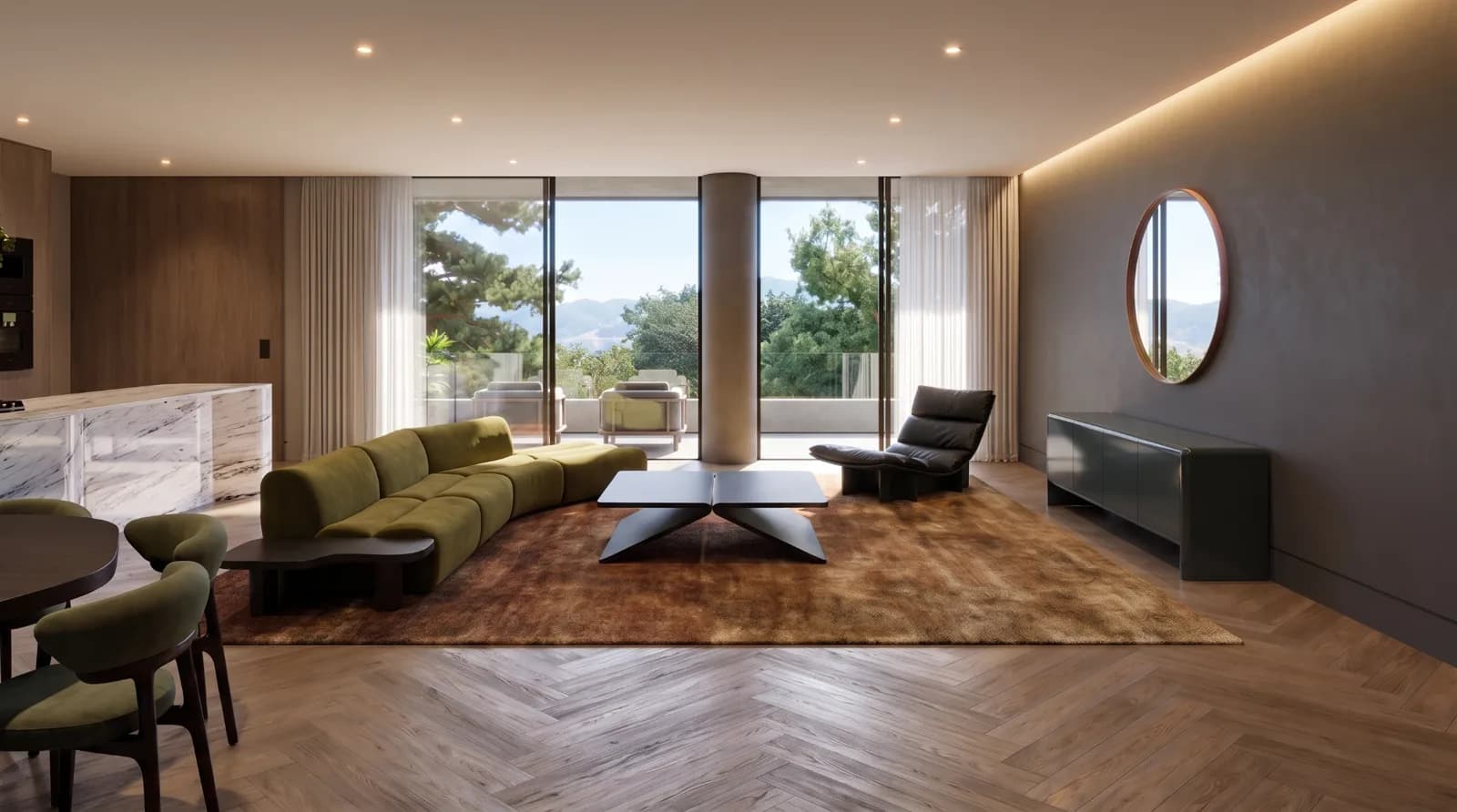 Final render
Upload a screenshot of your model and the furniture you chose. Phynixo places it in the scene, with the light and materials of a final render.
Start from a template.
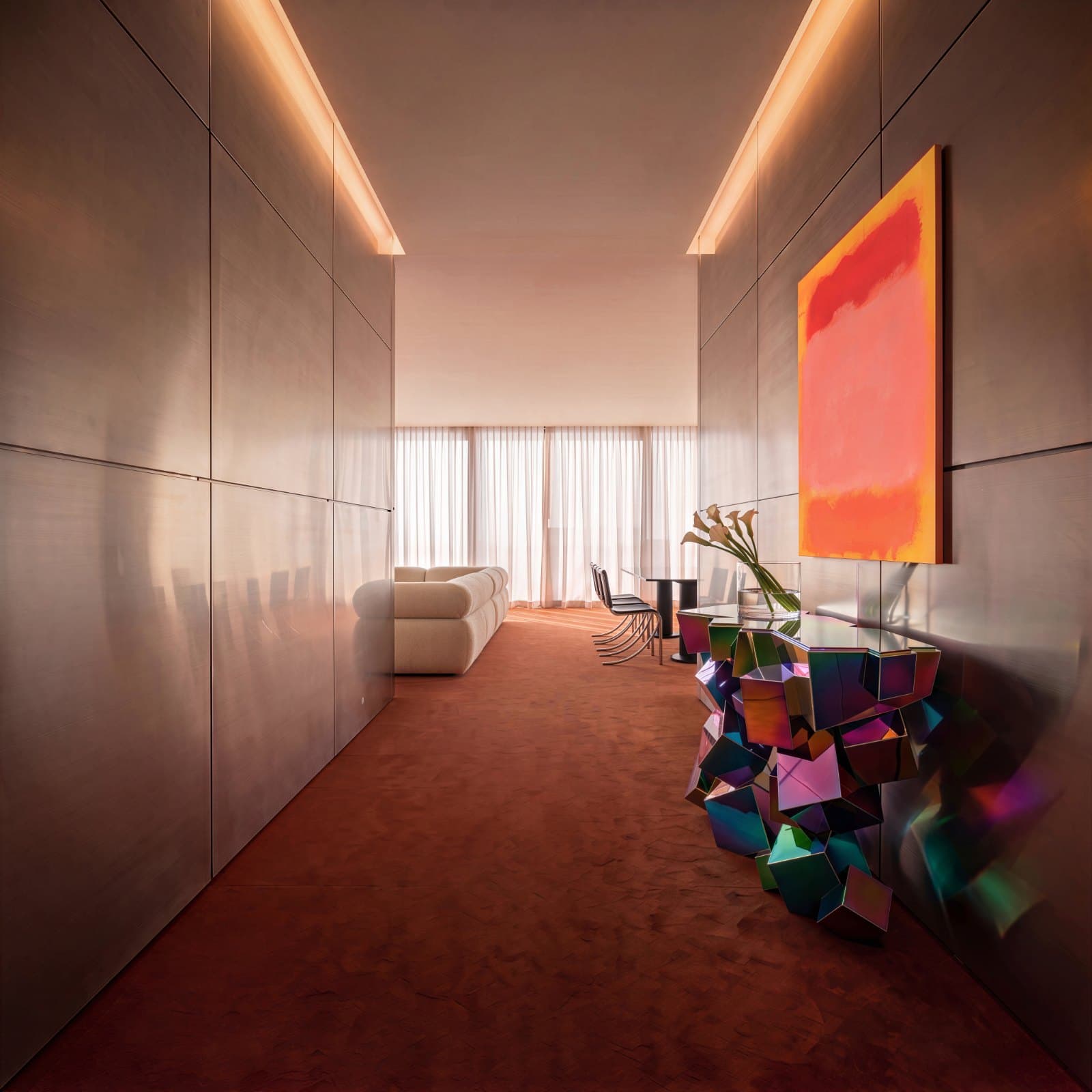
Ready-made architectural visualization workflows. Open one, swap the image and run. New ones every week.
With the best AI models
Google
OpenAI
Black Forest Labs
Kling AI
ByteDance
Topaz Labs


Questions & Answers
What architects usually ask
Yes, with any of them and no plugins: export a screenshot or an image of your view and drop it on the canvas. Phynixo works from that image, so it doesn't matter what you model in. Hand sketches, plans and site photos work too.
Yes. The editing models keep your screenshot's geometry and camera and change only what you ask for: materials, light, planting or mood. You can make several versions and compare them side by side before presenting.
Every AI operation costs credits: generating an image, producing a video, upscaling, creating a 3D model. The exact cost depends on the model and settings you pick (faster models cost less, higher resolutions cost more). Credits renew on each billing cycle, and paid plans carry unused credits over to the next month so nothing is lost.
Phynixo bundles one or two of the best models for each job, across 4 categories: image (Nano Banana Pro and Nano Banana 2.1 by Google, GPT Image 2, Flux 2 Max, Seedream 4.5), video (Veo 3.1, Kling 3.0 and 2.5, Seedance 2.0, plus Kling O1 and Wan 2.7 for editing), upscaling (Topaz, Clarity) and 3D (Hunyuan 3D 3.1, Tripo H3.1, Rodin). Every plan includes access to every model. See the full list on the pricing page.
Yes. Every canvas can be shared via a link with two permission levels: Viewer (read-only preview: nodes can't be moved or re-run) and Editor (full collaboration). Runs on a shared canvas always consume the canvas owner's credits, so you stay in control of your budget even when your team is working inside your canvas. Shared view links work without requiring the other person to sign up.
Yes. Everything you create on Phynixo is yours to use commercially, including client projects, marketing, portfolios, and products. The only exception is the Free plan, which adds a small watermark. All paid plans produce watermark-free exports.
Yes. Choosing yearly billing saves approximately 20% compared to paying monthly. It's the best option if you plan to use Phynixo regularly.
Blog
Guides to bringing AI into your architecture practice.